Block distractions before you talk yourself out of it.


Your afternoons keep disappearing.Take them back.
3h 41m
Hours gone today
 youtube.com
 x.com
x.com instagram.com


 tiktok.com
 facebook.com
 netflix.com
Distracted & doomscrolling
We've all been there. You open Instagram and before you know it you've lost an entire afternoon.

89 min
Deep work
Focused & in control
Win back control over your time — let AI cut out the distractions for you.
Blockingwasneverthehardpart.Startingtheblockwas.
Get started in one minute.
$ npx -y lockin-mcp install
✓ MCP ready · tunnel live

Install
Paste the command in your terminal.


Connect
Works with every agent via MCP.
ClaudeYouTubefor 90 minAsk
Just tell your AI what to block.
Distraction is expensive.
- 23 minto get back on task after one interruption
- 2.5 hrslost to context switching on a typical workday
- 40%drop in productivity when you try to multitask
Industry research on interruption cost, context switching, and multitasking.



Connect LockIn to Claude, ChatGPT, Perplexity, Gemini, Poke, and more. One install, blocks that work across every browser, and an assistant that keeps you on task.
Blocked by LockIn
Blocked on your whole computer, not just one browser
Blocked everywhere, not just in Chrome
A new profile, a private window, another browser, a restart - none of it gets you around a system-level block.
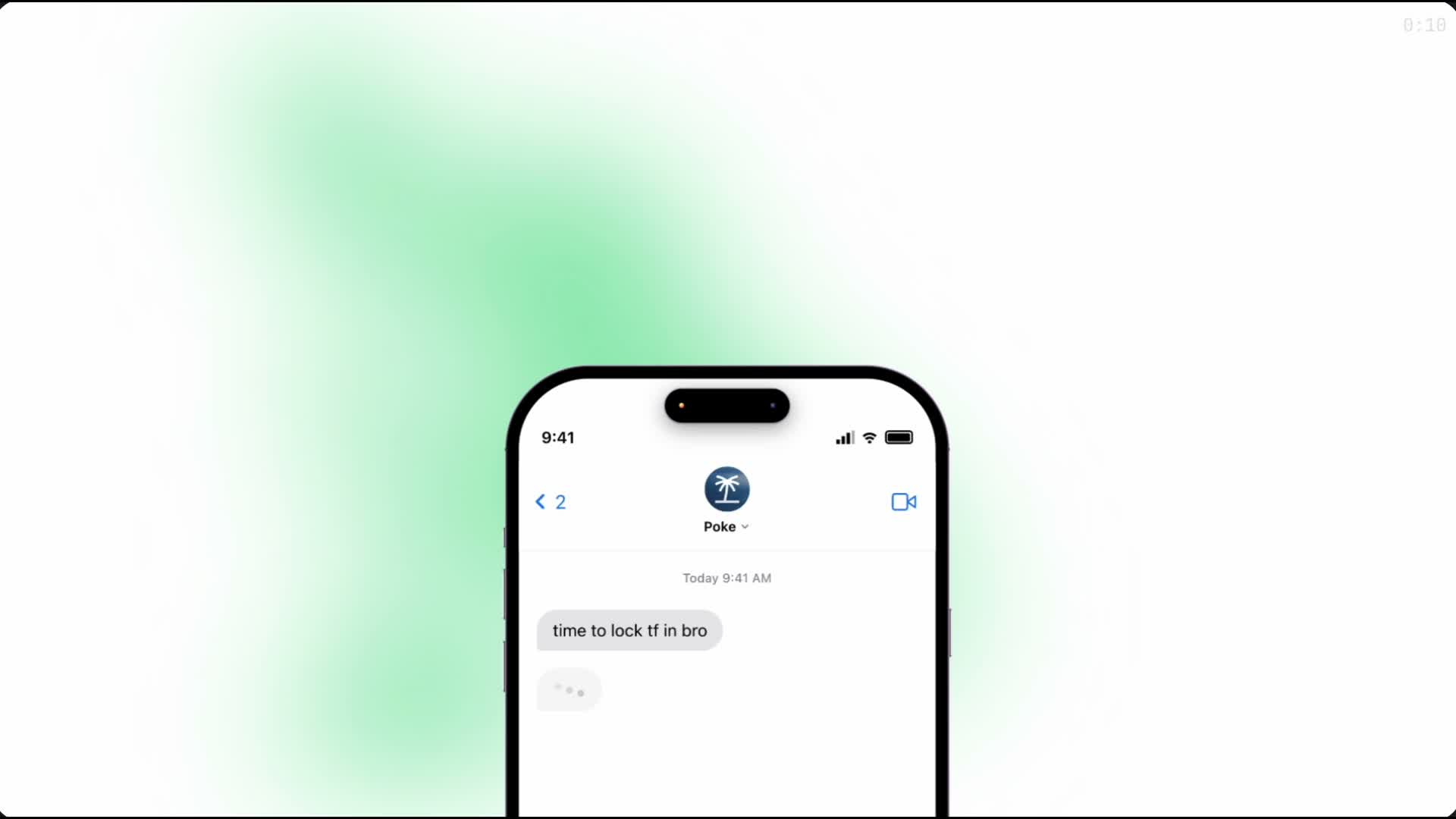
Your assistant starts the session
Say what you're working on and for how long. Ask for a timed exception when you genuinely need one site back.
See how it works with Poke
youtube.com has been blocked because it doesn’t relate to your current task.
Blocking that knows what you're working on
The docs you need pass through. The rabbit holes don't. Only the attempts reach your dashboard, never your history.
How the Chrome extension works
One command and you're set up
About a minute, once. After that you never open a focus app again.
Install instructionsTry it free for 3 days
Like buying a coffee that lasts a month. Cancel whenever.
Yearly
$0.00
3 days free, then $2.50/mo · billed yearly at $29.99
- System-level blocking in every browser
- Start a session from ChatGPT, Claude or Cursor
- Task-aware Chrome extension
- Holds through restarts and private windows
- macOS, Windows and Linux
- Cancel anytime, keep your focus
Lifetime
$59.99once
Pay once, keep forever.
- System-level blocking in every browser
- Start a session from ChatGPT, Claude or Cursor
- Task-aware Chrome extension
- Holds through restarts and private windows
- macOS, Windows and Linux
- Lifetime license, pay once
Questions
Yes. Blocks persist in your hosts file, and the background service keeps MCP running and temp-unblock timers active.